Free Calculators Hub
Working Days Between Dates
Counts Monday through Friday in a selected date range, excluding unique user-supplied weekday holidays under an explicit endpoint rule.
Limitation: Public holidays are not inferred.
How to Count Working Days
Choose a start and end date, then set the endpoint rule. The default includes both dates. Add any non-working holidays as ISO dates separated by commas or spaces. The calculator uses a Monday–Friday workweek and does not guess holidays from your location.
Select the first date in the range.
Observed holidays
Enter the date actually treated as non-working. If a Sunday holiday is observed on Monday, enter Monday; a weekend holiday is already excluded as a weekend.
What Counts as a Working Day
A working day is any Monday through Friday in the selected interval that is not in the supplied holiday set. Inclusive mode examines [start, end], while exclusive-end mode examines [start, end). Duplicate holiday entries are de-duplicated. A listed holiday on Saturday or Sunday does not create an additional exclusion because that date is already classified as a weekend. The result includes a breakdown of excluded weekend dates and listed weekday holidays.
Business-Day Examples
One week with a weekday holiday
Schedule inputs
Working days
The seven-date range contains five weekdays, one supplied weekday holiday and two weekend dates.
Exclusive-end planning interval
Schedule inputs
Working days
July 8 is excluded; July 4 and the weekend are also excluded.
Supply the correct calendar
For operational planning, copy holidays from the authoritative calendar for the relevant office, market or contract.
Frequently Asked Questions
Still have questions about this calculation?
Try the CalculatorWorking-Days Formula
The calculation classifies each date in the explicitly selected interval.
Formula
Working-day indicator
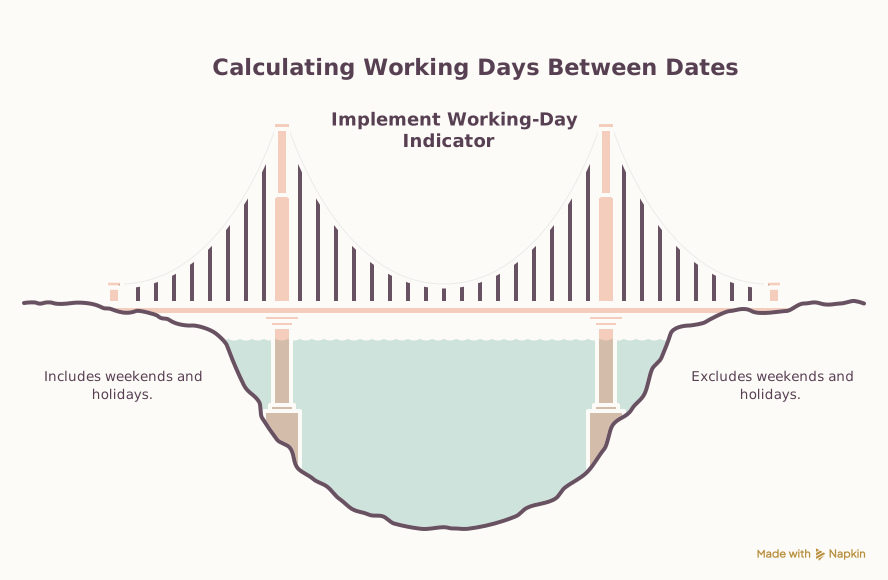
workday(d) = weekday(d) AND d is not in unique holiday set
Range total
working days = Σ workday(d) for each included date d
Scientific Background
Weekdays are derived from Gregorian date-only UTC day indexes, so local daylight-saving transitions cannot shift a date into a neighboring weekday.
Sources & review
Working Days Calculator documents the references behind its formulas and assumptions. Always treat results as educational estimates, not personalized professional advice.
Last reviewed
July 21, 2026
Reference
rfc-editor.org
https://www.rfc-editor.org/rfc/rfc3339#section-5.6Free Calculator Hub methodology
Free Calculator Hub
/methodology
See our methodology and corrections policy.