Free Calculators Hub
Days Between Two Dates
Counts the number of Gregorian calendar-day boundaries between two dates, with a separate option to include both endpoint dates.
Limitation: The result counts calendar dates, not exact clock hours.
How to Count Days Between Dates
Select a start date and an end date on or after it. Then choose whether you need elapsed days, which excludes the end date, or an inclusive date count, which includes both start and end dates.
Select the start date.
State the counting rule
A result without endpoint semantics is ambiguous. For the same date, elapsed days is 0 while an inclusive date count is 1.
Elapsed Days Versus Inclusive Days
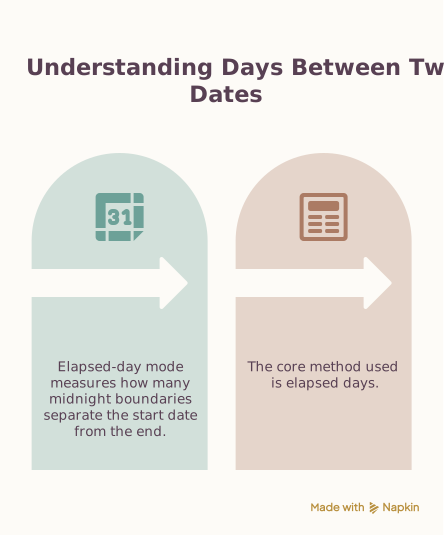
Elapsed-day mode measures how many midnight boundaries separate the start date from the end date. It treats the interval as [start, end), including the start boundary and excluding the end boundary. Inclusive mode counts the calendar labels in [start, end], so it adds one to the elapsed result. The inputs never become local timestamps, which prevents daylight-saving transitions from turning a two-date interval into a fractional number of days.
Date Difference Examples
Elapsed date difference
Date range
Day count
Two calendar-day boundaries are crossed, regardless of a local daylight-saving change.
Inclusive event dates
Date range
Day count
March 9, March 10 and March 11 are each counted.
Intervals and named dates differ
Use elapsed mode for duration-like differences and inclusive mode when counting all calendar dates in a schedule.
Frequently Asked Questions
Still have questions about this calculation?
Try the CalculatorDays-Between Formula
Each valid date is mapped to an integer UTC day index after parsing its Gregorian year, month and day.
Formula
Elapsed days
days = day index(end) − day index(start)
Inclusive date count
days = day index(end) − day index(start) + 1
Scientific Background
Using a date-only day index avoids local UTC offsets and daylight-saving changes. It should not be used to infer an exact duration in hours between two timestamps.
Sources & review
Days Between Dates Calculator documents the references behind its formulas and assumptions. Always treat results as educational estimates, not personalized professional advice.
Last reviewed
July 21, 2026
Reference
rfc-editor.org
https://www.rfc-editor.org/rfc/rfc3339#section-5.6Free Calculator Hub methodology
Free Calculator Hub
/methodology
See our methodology and corrections policy.