Free Calculators Hub
PPC Campaign Budget Planner
Multiplies target clicks by entered average CPC, adds a percentage fee calculated on media spend, then adds fixed campaign costs.
Limitation: This is a static input-based plan.
How to Plan a PPC Budget
Choose one planning period—such as a week, month, or flight—and keep every input within that period.
Enter the target number of paid clicks.
Use a range
Run low, base, and high average-CPC scenarios. A single point estimate hides auction and mix uncertainty.
What the PPC Budget Includes
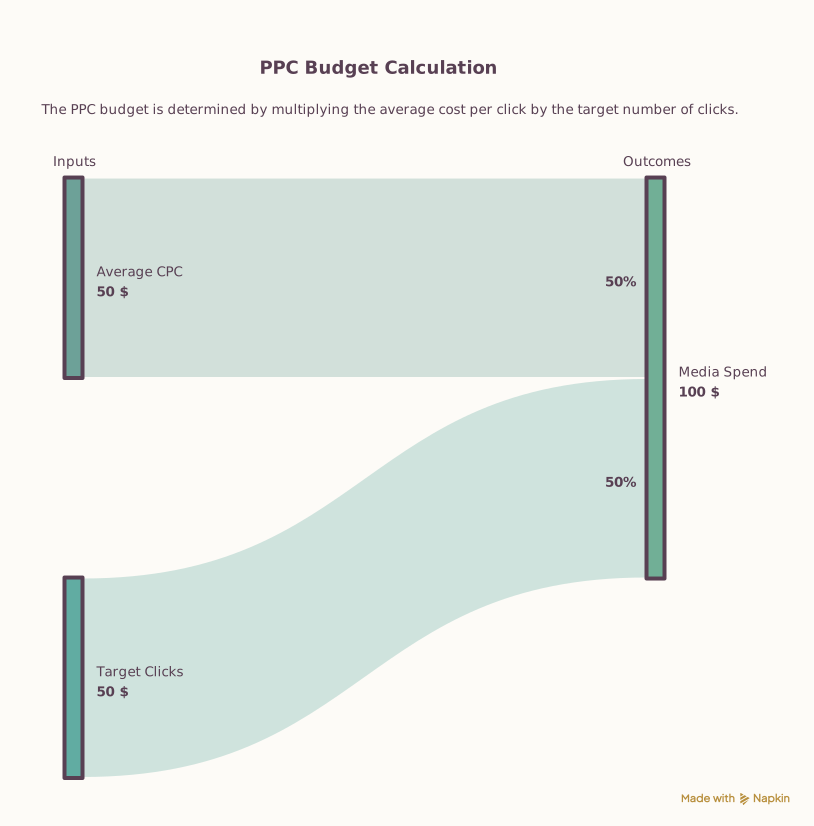
The planner treats average CPC as a scenario input, multiplies it by target clicks, calculates the percentage management fee on that media spend, and adds fixed costs. It reports a blended cost per target click when target clicks are positive. No conversion or revenue assumption is introduced.
PPC Budget Examples
Managed campaign plan
Click target and cost assumptions
Planned budget
Media spend is 3,000, the percentage fee is 450, and fixed costs add 250. Blended planned cost is 1.85 per target click.
Fixed setup before traffic
Click target and cost assumptions
Planned budget
With no target clicks, media spend and its percentage fee are zero. Blended cost per click is undefined.
Separate budget from performance
After planning spend, use measured conversion economics to evaluate ROI rather than assuming click volume creates value.
Frequently Asked Questions
Still have questions about this calculation?
Try the CalculatorPPC Budget Formulas
Google Ads distinguishes average CPC from a maximum bid and recommends using estimates to guide bid and budget choices. This planner performs only the entered arithmetic.
Formula
Media spend
media spend = target clicks × average CPC
Management fee
management fee = media spend × fee percentage ÷ 100
Total budget
total budget = media spend + management fee + fixed costs
Scientific Background
The model intentionally avoids platform-specific daily or monthly pacing rules. The total is a planning requirement, not a promise that the platform will deliver the target clicks.
Sources & review
PPC Budget Planner documents the references behind its formulas and assumptions. Always treat results as educational estimates, not personalized professional advice.
Last reviewed
July 22, 2026
Reference
support.google.com
https://support.google.com/google-ads/answer/2375454?hl=enFree Calculator Hub methodology
Free Calculator Hub
/methodology
See our methodology and corrections policy.