Free Calculators Hub
Gross Profit Margin and Markup Calculator
Subtracts cost of goods sold from revenue, expresses that gross profit as a share of revenue, and separately reports markup on cost when cost is above zero.
Limitation: This arithmetic tool uses only the entered revenue and cost of goods sold.
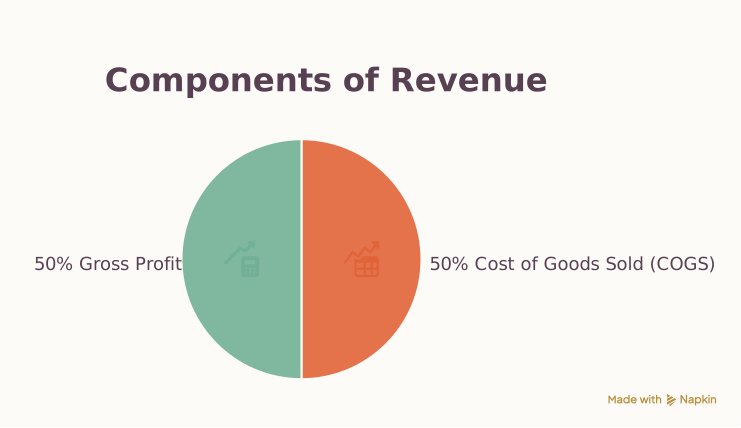
How to Calculate Gross Profit Margin
Use revenue and cost figures from the same scope and reporting period.
Choose a display currency; currency choice changes formatting, not exchange rates.
Keep the cost basis consistent
Inventory accounting and cost allocation policies can change reported COGS. Use the figure from the same records as revenue.
What Gross Margin and Markup Mean
Gross margin measures gross profit relative to revenue. Markup measures the same gross profit relative to cost, so the percentages are normally different. If COGS exceeds revenue, gross profit and both rates are negative. Markup is undefined when COGS is zero.
Profit Margin Examples
Positive gross margin
Revenue and direct cost
Gross margin
Gross profit is 400. Dividing by revenue gives margin; dividing by COGS gives markup.
Gross loss
Revenue and direct cost
Gross margin
Direct cost exceeds revenue by 25, so gross profit is negative.
Do not substitute net profit
Net margin requires operating expenses and other items that this gross-margin calculator intentionally excludes.
Frequently Asked Questions
Still have questions about this calculation?
Try the CalculatorGross Profit, Margin, and Markup Formulas
The model follows the standard income-statement relationship between revenue, cost of goods sold, and gross profit.
Formula
Gross profit
gross profit = revenue − cost of goods sold
Gross margin
gross margin % = gross profit ÷ revenue × 100
Markup
markup % = gross profit ÷ cost of goods sold × 100
Scientific Background
Results assume revenue and COGS are correctly classified and measured on the same basis. The calculator does not infer returns, discounts, inventory adjustments, overhead allocation, or accounting policy.
Sources & review
Profit Margin Calculator documents the references behind its formulas and assumptions. Always treat results as educational estimates, not personalized professional advice.
Last reviewed
July 22, 2026
Free Calculator Hub methodology
Free Calculator Hub
/methodologyIRS digital assets / tax reference
Internal Revenue Service (IRS)
https://www.irs.gov/publications/p334#en_US_2025_publink1000313270
See our methodology and corrections policy.